


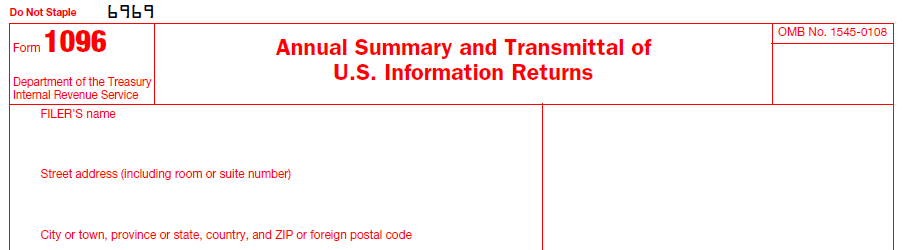

IRS Form 1096 is a summary transmittal used by businesses and individuals who are required to file information returns with the Internal Revenue Service (IRS). Form 1096 serves as a cover sheet to summarize the information returns being submitted.
File Form 1096 for each type of information form you have issued. If, for example, you submit 1099-MISC and 1099-S forms, complete Form 1096 to transmit with the 1099-MISC and another Form 1096 to transmit with Form 1099-S. If you are filing electronically, Form 1096 is automatically prepared and transmitted.
1096 software, form 1096, transmittal summary, transmittal of information returns, annual summary, annual summary and transmittal, irs form 1096, irs form 1096 software