







Form 1099-Q reports the gross distribution, earnings portion, basis, trustee-to-trustee transfers, QTP-to-Roth IRA transfers, and distribution type details.
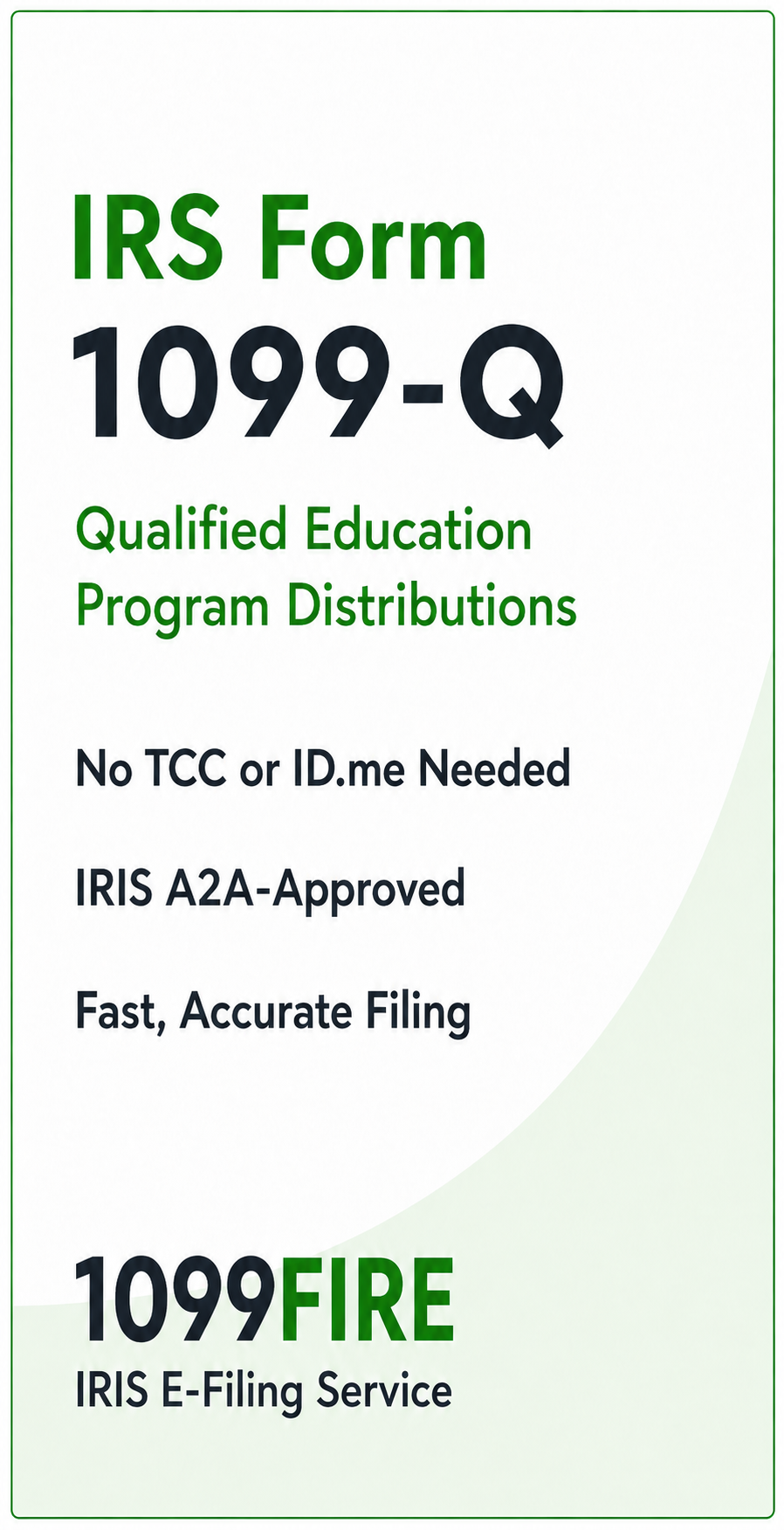
No. If you use our IRIS e-filing service, you do not need your own IRS TCC, ID.me account, or IRIS setup. We transmit through our IRIS A2A-approved channel.
Yes. We can help file original Form 1099-Q returns and corrections. We review and validate the data before transmission to help reduce formatting errors and filing issues.
Yes. We support bulk Form 1099-Q filings and can work with Excel or CSV. This is useful for organizations that need to file many recipient records at once.
Yes. In addition to IRS e-filing, we can help with recipient copy fulfillment, including print and mail services when needed.
1099FIRE helps simplify the filing process. You send the data, we review it, validate it, and e-file through our IRIS A2A-approved channel. That means no IRS setup, no TCC application, no ID.me process, and less time spent managing electronic filing requirements yourself.
 What information is reported on Form 1099-Q?